Deconstructing Reality Composer Pro (Intro)
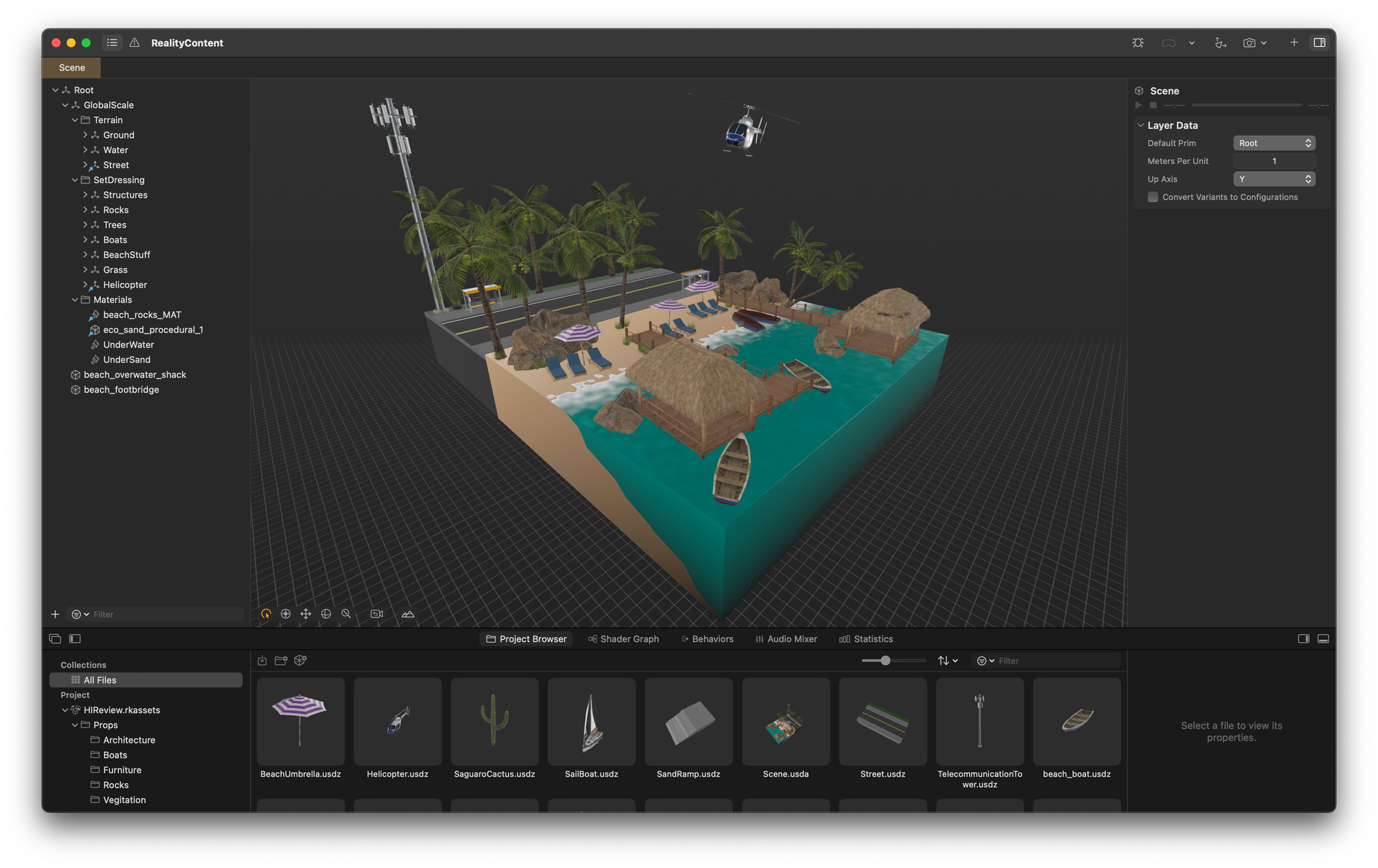
Reality Composer Pro is positioned at the intersection of complex and evolving file format definitions. The implementation of these formats varies significantly across different versions, which makes both automated and manual manipulation challenging. RCP targets RealityKit, which has limitations due to its real-time nature, evolution, and supported platforms. RCP occupies a central location in the XR pipeline, making it a common place when going from ideation to production, often posing challenges for both technical artists and developers. Challenges include efficient model export methods, complex animation management, and translating advanced DCC features for RealityKit and the idiosyncrasies of visionOS, mixed with SwiftUI.
Reality Composer Pro is implemented on top of open-source technologies, based on Swift Package Manager packages and USD itself, which is OpenUSD now. It also uses MaterialX and other projects, which makes it an extremely interesting example of how to handle these tensions.
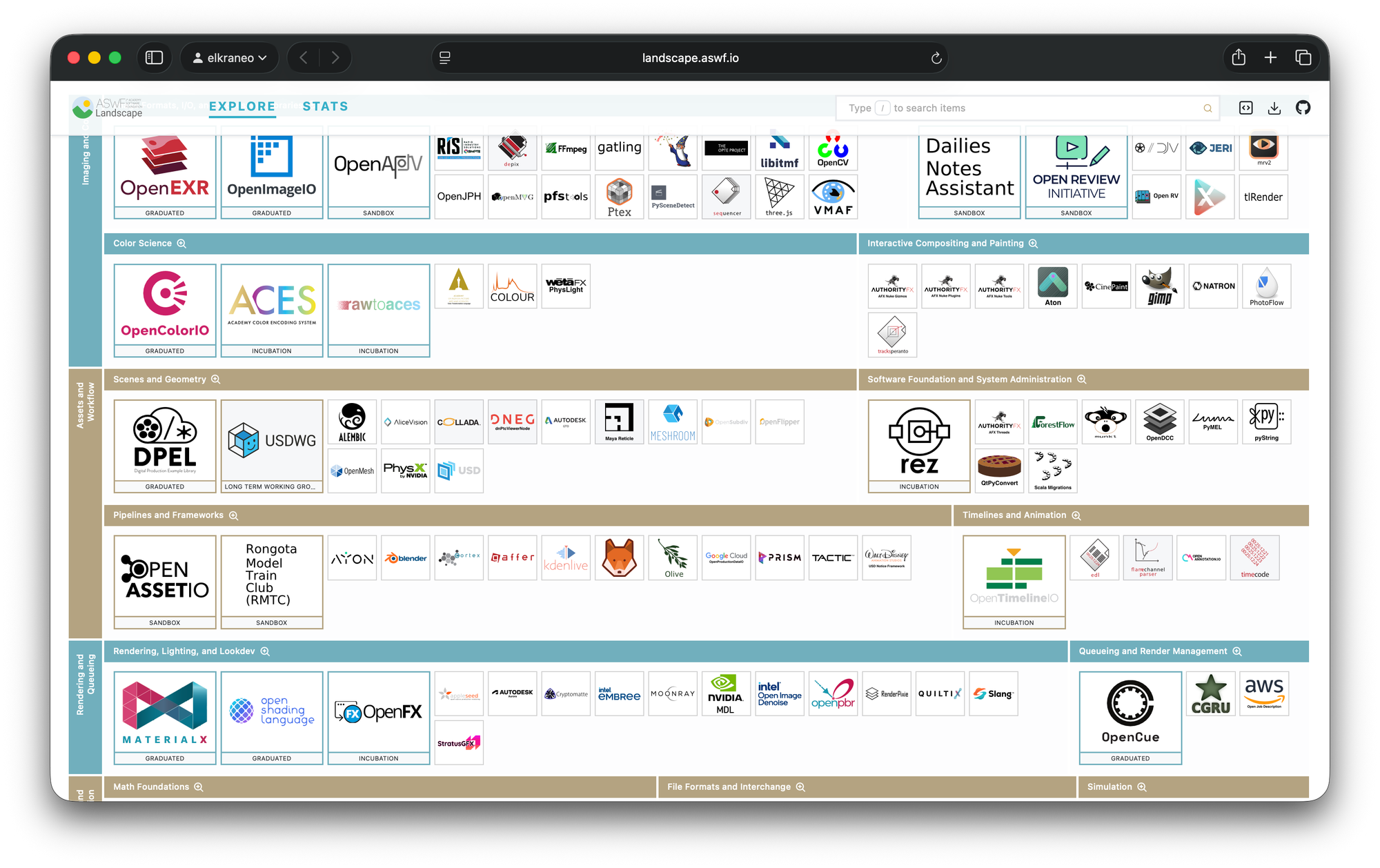
Given the complexity of the parts, it is reasonable to expect bugs. The goal of creating a tool that abstracts underlying technologies sometimes leads to poorly expressed errors, resulting in silent failures and unmet requirements that are challenging for humans to understand. Additionally, users who have previous experience with earlier tools like Reality Composer (not Pro) and Reality Converter often misunderstand the role of Reality Composer Pro, as these original* AR tools from Apple specifically focused on editing and authoring AR experiences.
Reality Composer Pro prioritizes the transition of elements over direct emphasis on creation and debugging tasks. It's a portal where you transport raw, wild formats to more manageable, controlled, static-defined files that can be represented on RealityKit.
If all this sounds gloomy or frustrating to you, don't fret; since RCP is built on open-source, nothing stops us from investigating (or at least attempting to) the origins of these pain points and, with a bit of luck, gaining some insight into the reasoning behind certain decisions. In a typical "what can go wrong" spirit, I decided to explore what it takes to create something like Reality Composer Pro, a project I call Deconstructed (not Pro yet).