Deconstructing Reality Composer Pro (Project Browser)
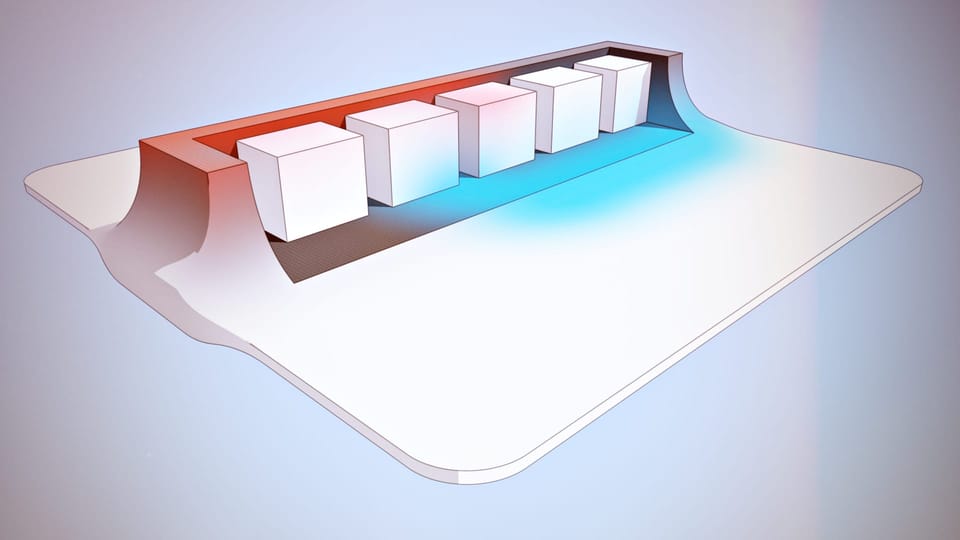
Part of what makes Reality Composer Pro a composer is asset management. Importing, soft validation, organizing, and iterating on the project structure are essential features to have in creative pipelines. The project browser in RCP is similar to Finder's grid view and, because of that, filled with UX expectations, which are addressed in a clunky way, as it usually happens with reimplementations of file system browsers.
Reasons for apps re-implementing file browsers
Transient elements
A custom project browser can show things that don't exist on disk yet, unsaved scenes, procedural assets, and computed previews. Finder, on the other hand, can only show what exists. The moment you need "Untitled Scene" to appear before the user saves, you've left Finder's capabilities.
Intercepting operations
When you drag a scene into a folder in RCP, the operation involves more than simply moving the source to the destination. The app must update every file that references that scene, rewrite main.json, regenerate thumbnails, and do it atomically. If users moved files in Finder, the references to those files would break without any notification. The custom browser is a transaction boundary—the app controls what "move" means.
File history
Finder operations aren't "undoable" for the most part. If file manipulation is part of a workflow, the app needs to control the document's undo stack.
Multiple simultaneous views
The same asset might show up in "Recent," "Favorites," a smart collection that is type-filtered, AND its actual folder location. Finder is strictly hierarchical. Project browsers can be databases with multiple indexes and views.
Cross-platform requirements
Apps like Houdini, Unity, and Blender are frequently released on macOS, Windows, and Linux. They can't easily build on Finder or Explorer, so they use just one solution that works everywhere. The "non-native feel" that you're getting is the cost of portability.
Why not a standard component?
So why isn't there a macOS version of the document browser component similar to the Files view on iOS?
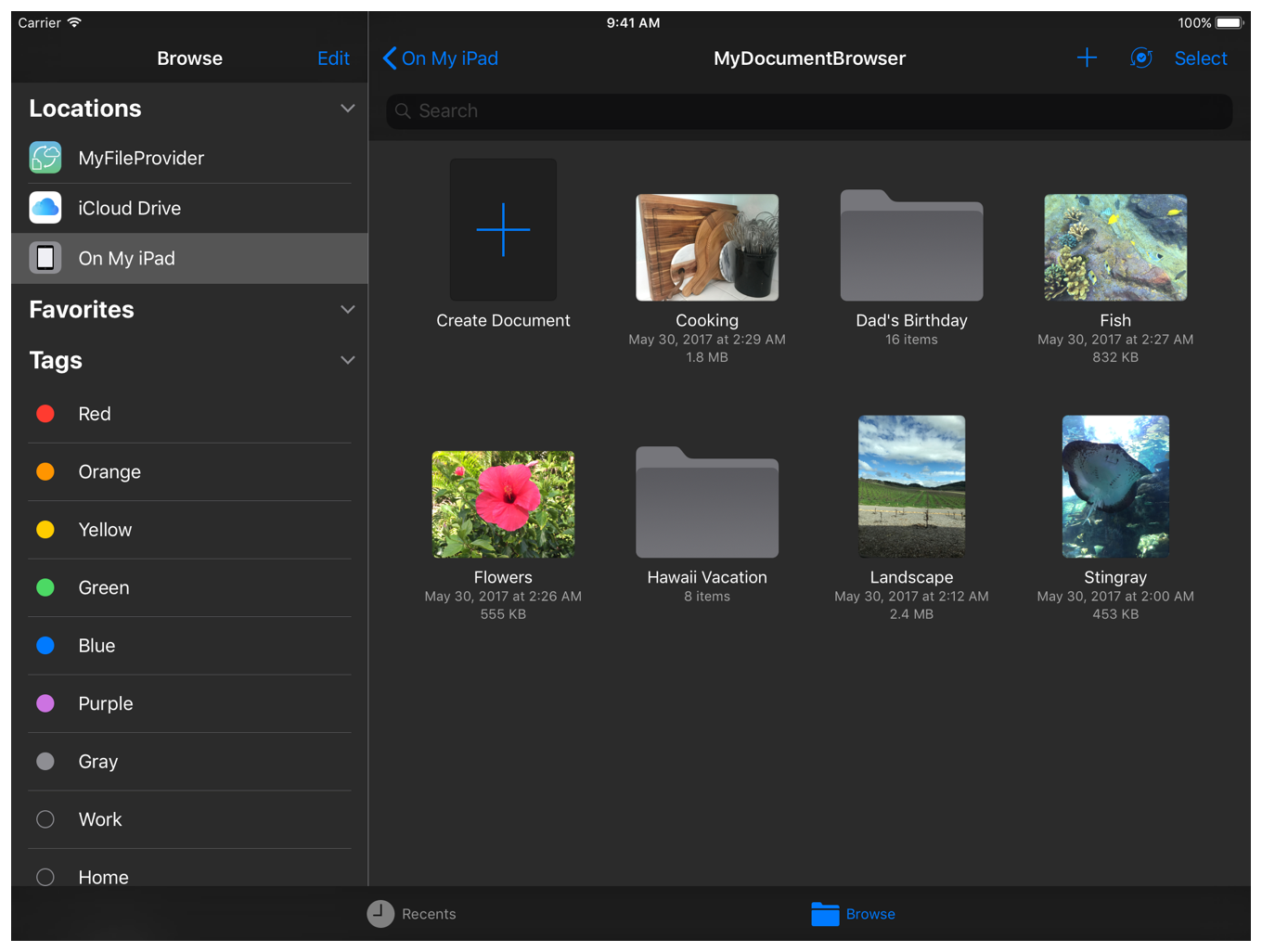
With a "project," things become domain-specific. What counts as an asset, how references work, and what operations are valid—these differ between a 3D scene graph (RCP), a build system (Xcode), and a node network (Houdini). A generic component would either be too simple (just Finder again) or too complex (a framework nobody wants to learn).
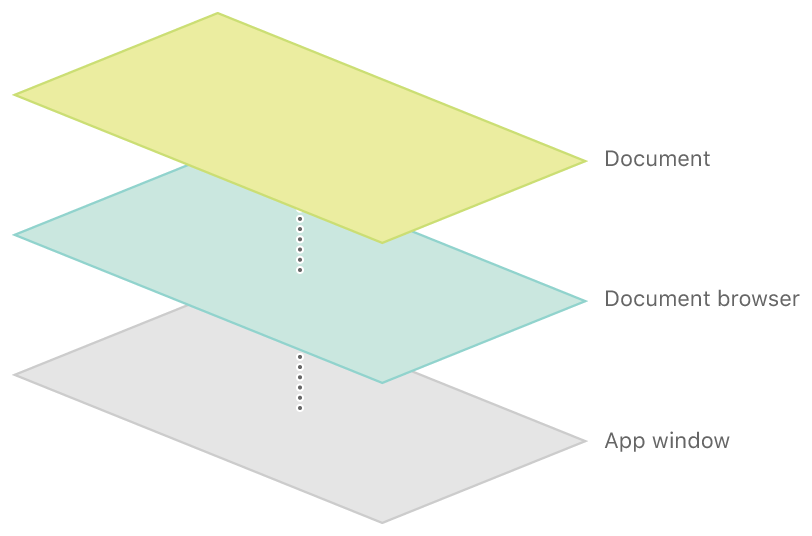
Apple tried standardization with NSDocument and the document architecture. This works for single-file documents. The moment your "document" is a bundle of interrelated files with cross-references, you're on your own.
A Project Browser isn't just a file browser that apps keep reimplementing badly. It's a domain model editor that happens to persist as files. We're not showing the filesystem; we're showing a creative workspace that uses the filesystem as a storage backend.
On UUID vs. filesystem, why this "chaos" is intentional:
The hybrid SPM bundle, which has paths, UUIDs, and outdated entries, works like Git, DNS, or any database that uses both unique identifiers and easy-to-read names; these systems are designed to handle the challenges:
- Paths are human-readable but fragile. Rename a file and break every reference.
- UUIDs are stable but opaque. Lose the mapping; the UUID is useless.
So keeping both means either can recover the other. Stale entries aren't garbage—they're historical mappings that let the system recover if something goes wrong.
When RCP keeps a reference to a Deleted.usda that no longer exists, it's not being sloppy. It's maintaining a record so that if that file reappears (restored from backup, undo, or git checkout), the UUID relationship can be reestablished without user intervention. This is fault tolerance, not chaos. The cost is a messy-looking main.json. The benefit is that the system degrades gracefully instead of catastrophically.
Hands-on
For this phase, we will (re)implement a native basic macOS file browser that supports common operations (folder, scene creation, asset import, renaming, sorting, and deletion). There are a number of decisions that go into how the project browser works in RCP and what the source of truth is for managing stuff. Given that we have learned the essentials of the document type and how a project browser might help in the creative process, we can move forward with optimism.
 elkraneo